
SharePoint 2013 \ 2010 ULS logging to troubleshoot issues
In this article I have covered steps to enable ULS logging on SharePoint 2013 \ 2010 to troubleshoot issues.
Steps to enabling logging on SharePoint 2013 and SharePont 2010 are same as shown below:
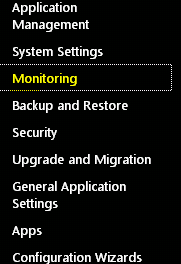
Open Central Admin and Click on Monitoring
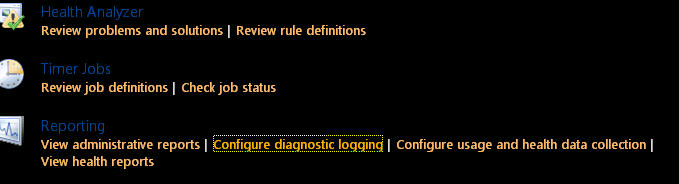
Click on “Configure Diagnostic Logging“
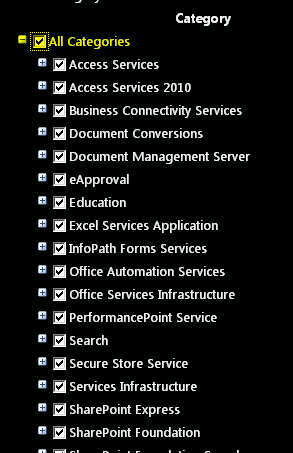
Select “All Categories“
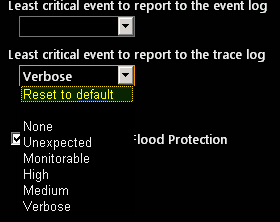
Select Verbose and make sure you remember the path of the logs files. By default it is C:\Program Files\Common Files\Microsoft Shared\Web Server Extensions\15\LOGS
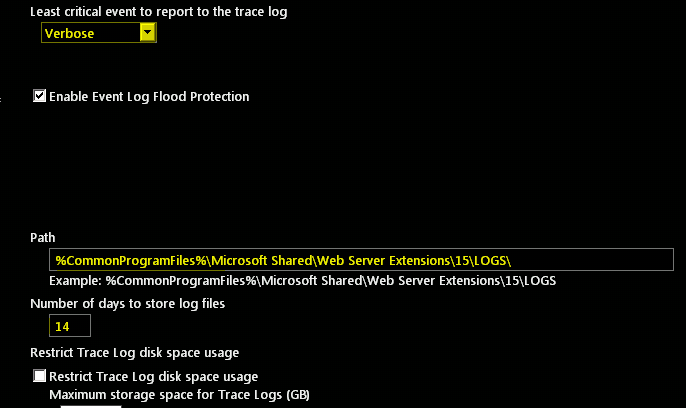
Restart the “SharePoint Tracing services”
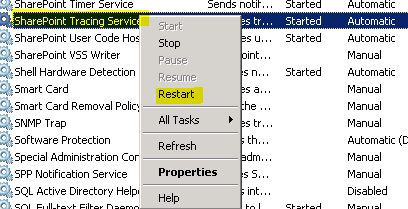 “
“
Now you should see all the logs files with Machine name with today’s date\time. a New file is generated every 30 mins.
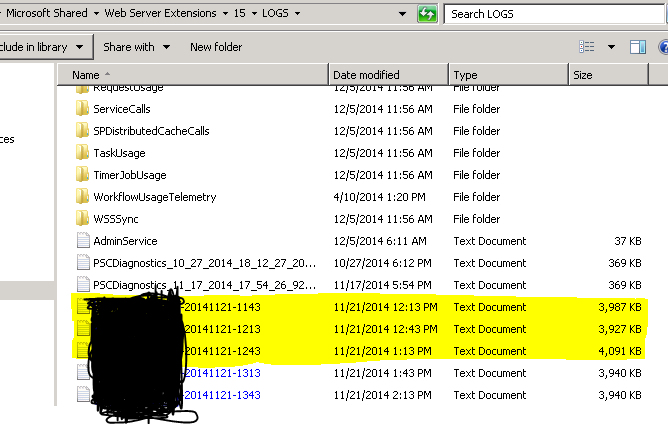
Note: Verbose logging cause lot of performance issues. If you are done with Verbose logging, set the logging to default to mitigate performance issues.